Make a Halloween video from one photo: try on three costumes in a spin, turn into a werewolf under the full moon, or become a zombie. Every clip is 15 seconds, vertical and ready to post.
Start with a photoTry on Halloween costumes
Sign in with email to use your credits. You can also pay first without signing in.
Halloween videos you can make
Each one is generated from your photo with a built-in story — no costume, makeup or filming.
- Costume reveal — spin through vampire, witch and skeleton looks.
- Werewolf transformation — fur, gold eyes and a howl at the moon.
- Zombie transformation — a slow, flickering change into a zombie.
- Zombie apocalypse — the lone survivor in a ruined city.
Ideas for Halloween posts
Use the costume reveal to poll friends on what to wear, the werewolf for a spooky profile video, or a zombie hug with your partner for a couple’s post. Party hosts use a costume reveal as an invitation clip.
Halloween video ideas
AI Halloween Costume Video →
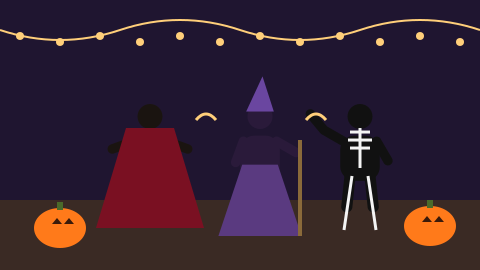
A cozy porch decorated for Halloween: pumpkins, string lights, fake cobwebs. You spin in place, and with each spin your outfit changes — a vampire cape, a witch hat and robe, then a glowing skeleton suit — before you strike a pose for the camera.
AI Werewolf Transformation Video →
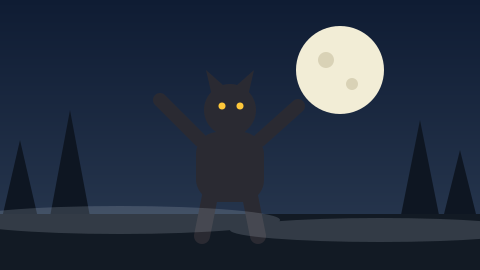
A misty forest clearing at night. The clouds part and the full moon lights your face. You flinch; fur spreads over your arms and face, your eyes turn gold and your features stretch into a wolf’s, and you throw your head back to howl at the moon.
AI Zombie Transformation Video →
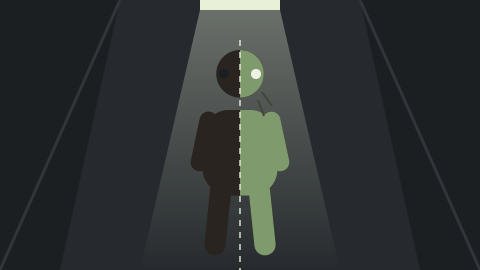
A flickering hallway at night. You stand facing the camera; the lights stutter, and with each flicker your skin turns greyer, your eyes cloud over and your clothes become torn and dusty. On the last flash you look up, fully transformed, and tilt your head at the camera.
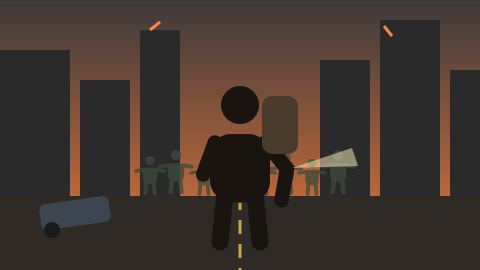
Zombie Apocalypse AI Video →
An abandoned city street at dusk: crashed cars, smoke, flickering signs. You walk toward the camera with a backpack and a flashlight; a distant horde of slow zombies fills the street behind you. You stop, look back over your shoulder, then turn to the camera with a determined stare.
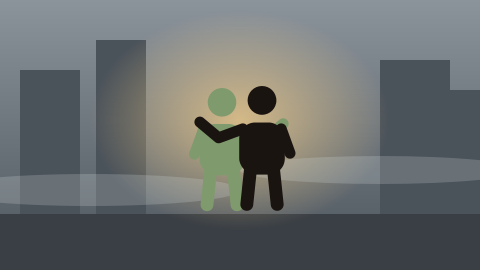
Zombie Hug AI Video →
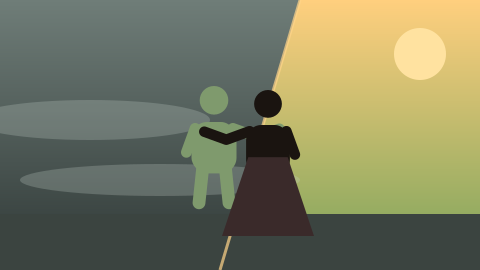
A grey, misty street. A familiar person shuffles out of the fog as a sad, gentle zombie. You recognize them, walk toward them and pull them into a long hug; warm light floods in and they are themselves again, hugging you back and laughing.
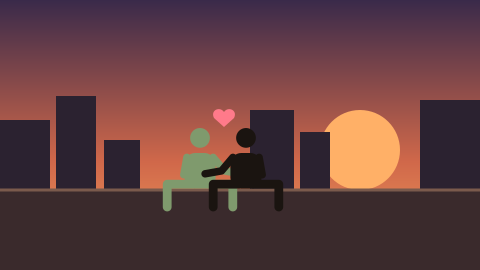
Zombie Love Story AI Video →
An abandoned rooftop at sunset over a ruined city. One partner sits wrapped in a blanket, slowly turning into a zombie; the other sits beside them, holding their hand. A memory of their first date flashes in warm color, then the two watch the sunset together, still holding hands.
Halloween AI Video Generator — FAQ
How do I make a Halloween AI video?
Choose a Halloween story, upload a clear photo, and use credits. The 15-second video appears in My creations within minutes.
Do I need a costume?
No. The story adds the costumes, fur or zombie look to your photo.
Can I make one for my kids?
No. Only upload photos of adults — yourself or adults who agreed.
How much does it cost?
Story videos cost 2 credits per second at 480p (30 credits for 15 seconds) or 4 per second at 720p, for 5 to 15 seconds with sound. Packs start at $9.90 for 100 credits, with no subscription, and a confirmed failed render restores the credits spent.
What size is the video?
9:16 vertical MP4 with sound, made for TikTok, Reels and Shorts.